Notifications
The bar for a notification is simple: would you actually want a tap on the shoulder for this? Riffed notifies about people and plans — never engagement bait.
What you'll hear about
- Friends — requests, accepts, and (if you want them) friends' new pours.
- Your activity — reactions and comments on your pours, and someone saving one of your drinks.
- Events — invites, RSVPs to events you're hosting, cancellations, and the optional day-before reminder.
- Moderation notices — if something you posted is removed, you're told. Removal is never silent.
The inbox
The bell on the Activity tab collects everything; the tab badge counts what's unread. Tapping a notification lands you on the thing itself — the thread, the drink, the event.
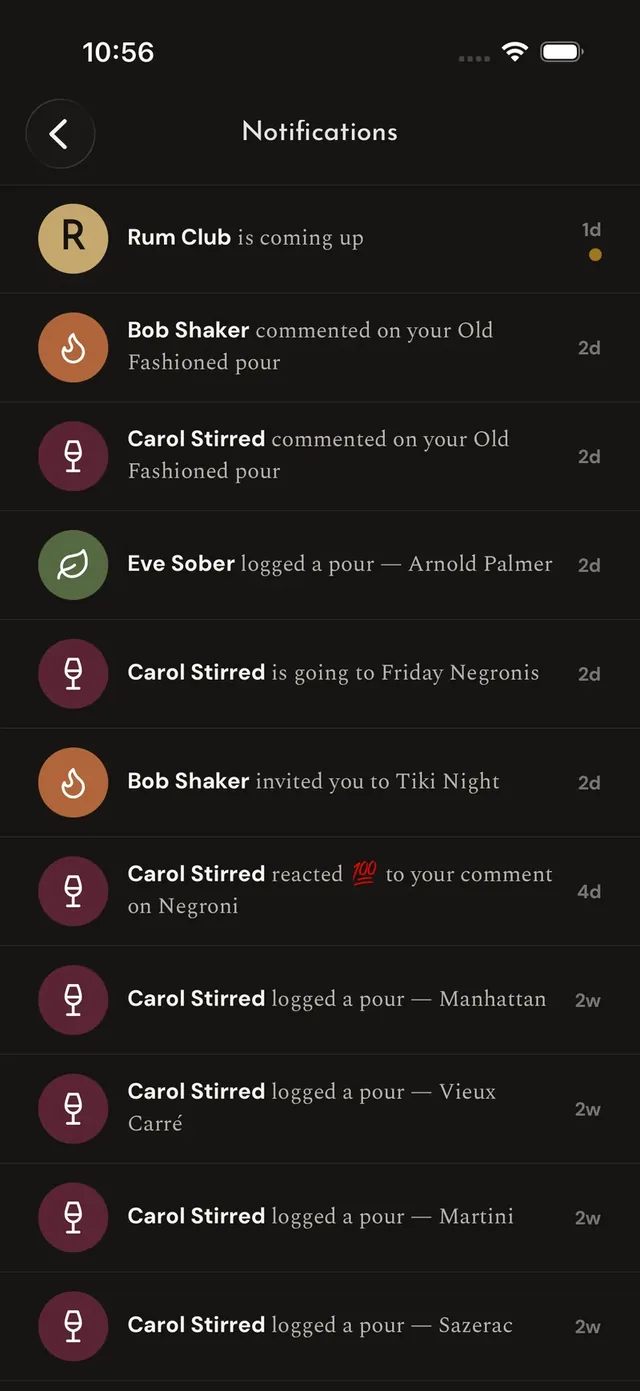
The inbox
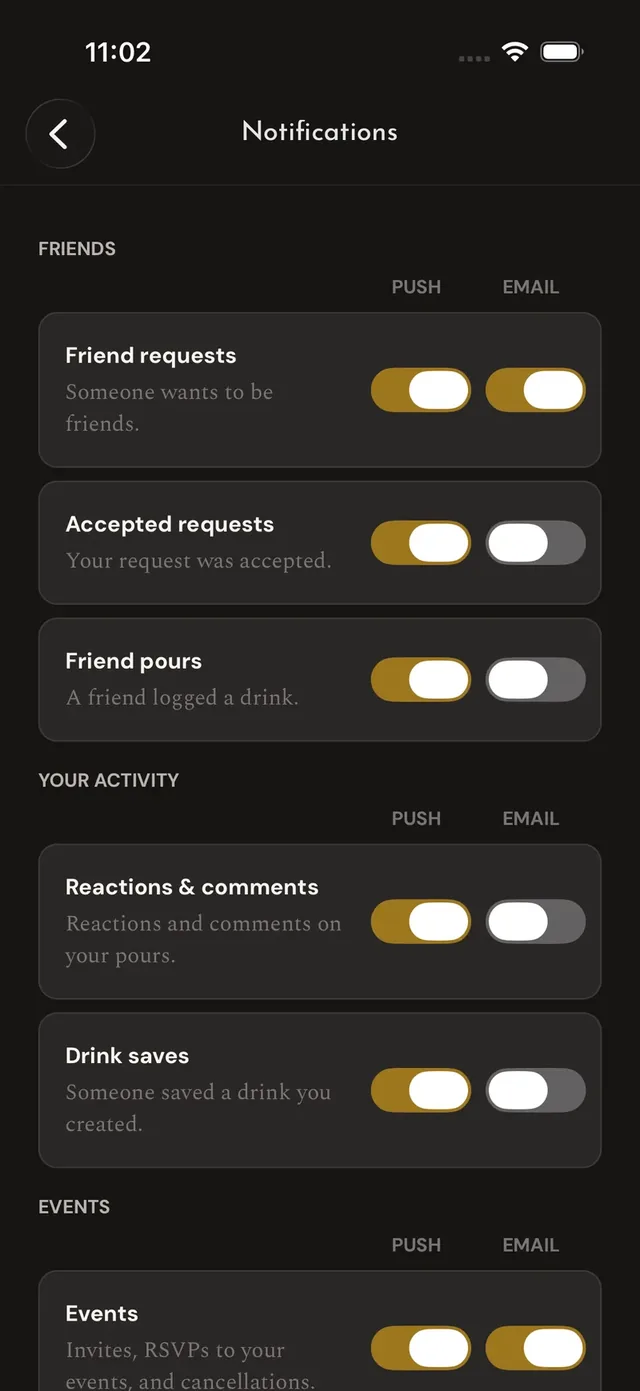
The switches
Push and email
Push is the default channel for everything above. Email is deliberately minimal: it's used only for friend requests and event invites, and only as a fallback when a push didn't get through — Riffed doesn't do newsletter-shaped email.
Tuning it
Settings → Notifications gives every category its own push and email switches — mute friends' pours but keep event invites, or the reverse. Event reminders have their own switch, separate from invites, so muting the nudge never mutes the invitation. The one thing without a mute is the moderation notice: if something of yours is removed, you deserve to know.