Sharing & friends
Riffed works fine as a solitary pursuit. It gets better when the people you actually drink with are on it — because the things worth sharing here aren't posts, they're drinks, bars, and taste.
Friends
Add friends by handle; requests are accepted, not automatic. Once connected, the Activity tab's Friends feed shows their pours and published drinks — what everyone's been drinking, where, with reactions and comments — while your own history lives in the You journal beside it.
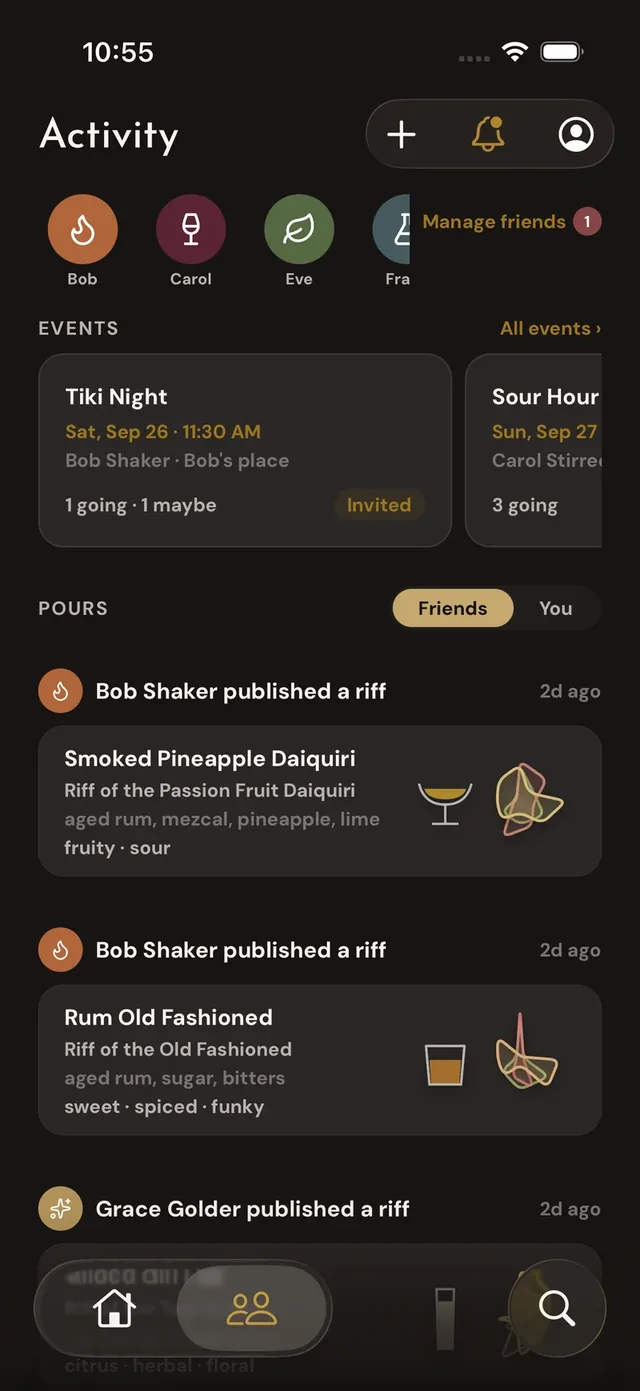
Activity
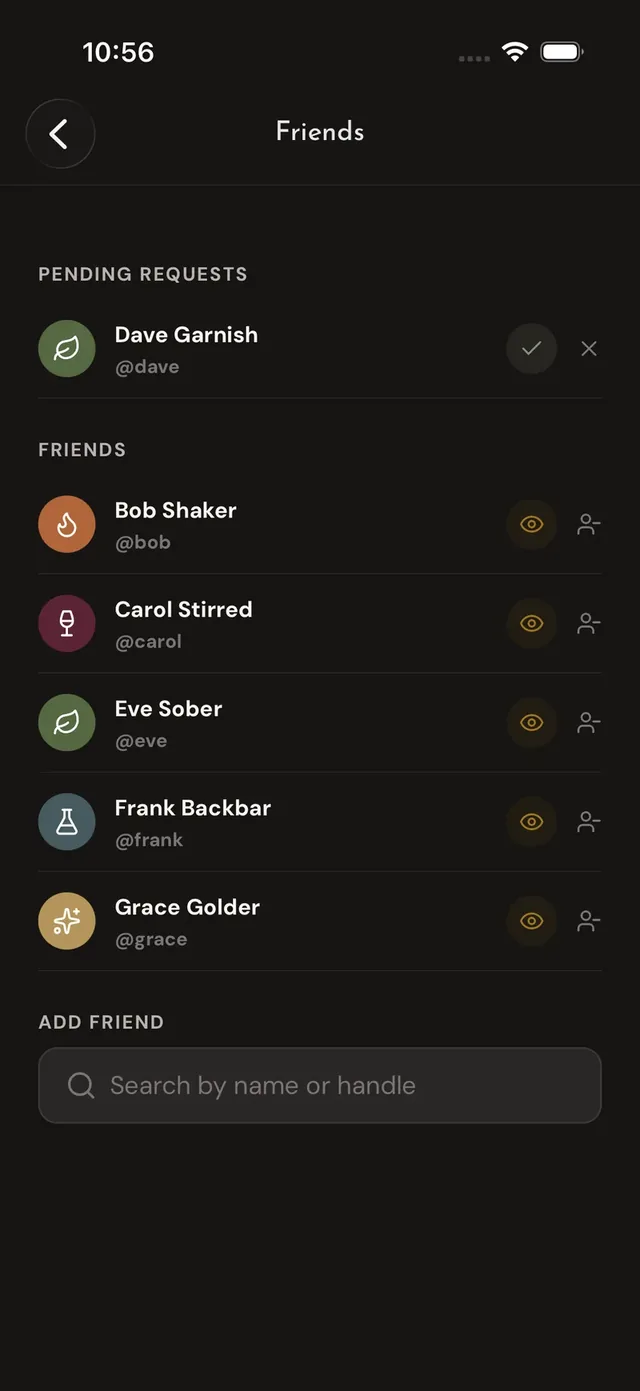
Friends
Profiles
Profiles are private by default: your friends see you, the world doesn't. Flip on public profile in Settings if you want your published drinks and activity findable beyond your friend list — it's an opt-in, and turning it back off takes effect immediately.
Your bar, on your profile
Set your bar to public (Settings → Bar preferences, or the share card on your profile) and your bottles appear on your public profile page — the answer to "what can we make at yours?" for anyone you've sent your profile link. Set it to friends (the default) and only your friends see it, in the app.
Friends get the distinctive part: browse as a friend from their profile and their bar becomes the lens — every badge — make now, riff ready, 1–2 away — recomputed for their place, before anyone's in the kitchen.
Sharing drinks
Every drink has a shareable web page — send the link (or the QR code from the drink's page) and someone without the app gets the full recipe, chart and all, plus a path into Riffed if they want it. Your published riffs share exactly like the classics do.
Safety
Block or report from any profile, comment, pour, or drink. Blocking removes the friendship and hides the two of you from each other across the app — and Riffed never reveals who blocked whom. Reports go to a human.